

A family photograph can outlast everyone who knows its story. Start with ten pictures and one conversation.
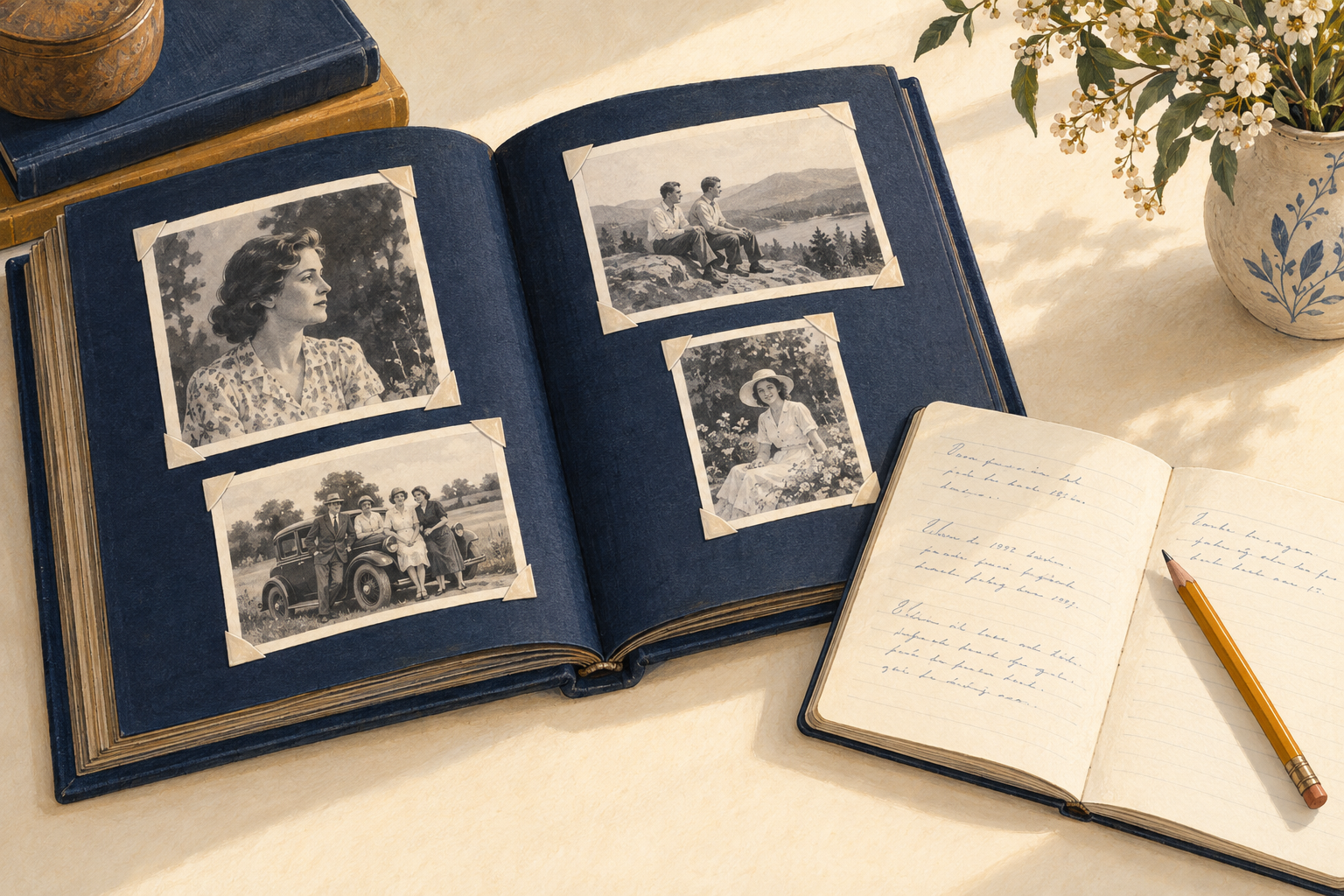
Lead illustration: A few photographs and a notebook are enough to begin saving the names and stories behind a family collection. AI-generated illustration; people and examples fictional.
Imagine an album open on a kitchen table. In one photograph, three people stand beside a car. You recognize your grandmother. The other two are strangers, and the penciled words beneath them, “at home,” leave a great deal unexplained. Someone in the family may still know the visitors, the house, even why everyone was dressed up. The photograph has kept the faces. The answers are elsewhere.
Choose ten pictures like that, or just three, and ask someone who might know about them to sit with you. Take notes. Give each picture a simple identifier so the answers stay attached to the right image. You can make a useful beginning before you buy a scanner, choose an app, or confront the rest of the cupboard.
Ask about the edges of the picture
Start with photographs that raise a question and a person who might answer it. The oldest relative is not necessarily the best witness; a neighbor, school friend, or former colleague may recognize a setting that means nothing to the family.
Ask who appears, where they are, and what brought them together. Get full names where possible, along with relationships. “Aunt May” may be perfectly clear today, but a later reader will need to know whose aunt she was. In a group portrait, identify people from left to right, separating the rows.
Then leave room for the answer you did not anticipate. A uniform, a shop sign, or a hand resting on someone’s shoulder may prompt a useful detail. Ask what the person remembers about the occasion, rather than supplying a story for them to agree with. The Oral History Association recommends open questions and follow-ups, an approach that works well for an informal family conversation too.
Write down who supplied the information and when. If you record the conversation, ask permission first and agree who may hear it. Written notes are enough for this first pass.
Leave room for “possibly”
Memory is a source worth keeping, with its limitations intact. The Oral History Association describes recollections as filtered through changing personal and social contexts. A confident identification can still need checking.
Distinguish what is written on the photograph from what someone remembers and what you infer. Copy an existing inscription as it appears, and identify it as an inscription. If two relatives disagree, record both accounts with their names. An approximate date should remain approximate.
A hypothetical note might read: “P001. Woman at left: possibly Ruth Palmer, suggested by her nephew Daniel Palmer on 8 October 2026. He estimates the photograph dates from the late 1940s. Location unknown. Original: blue album, page 4.”
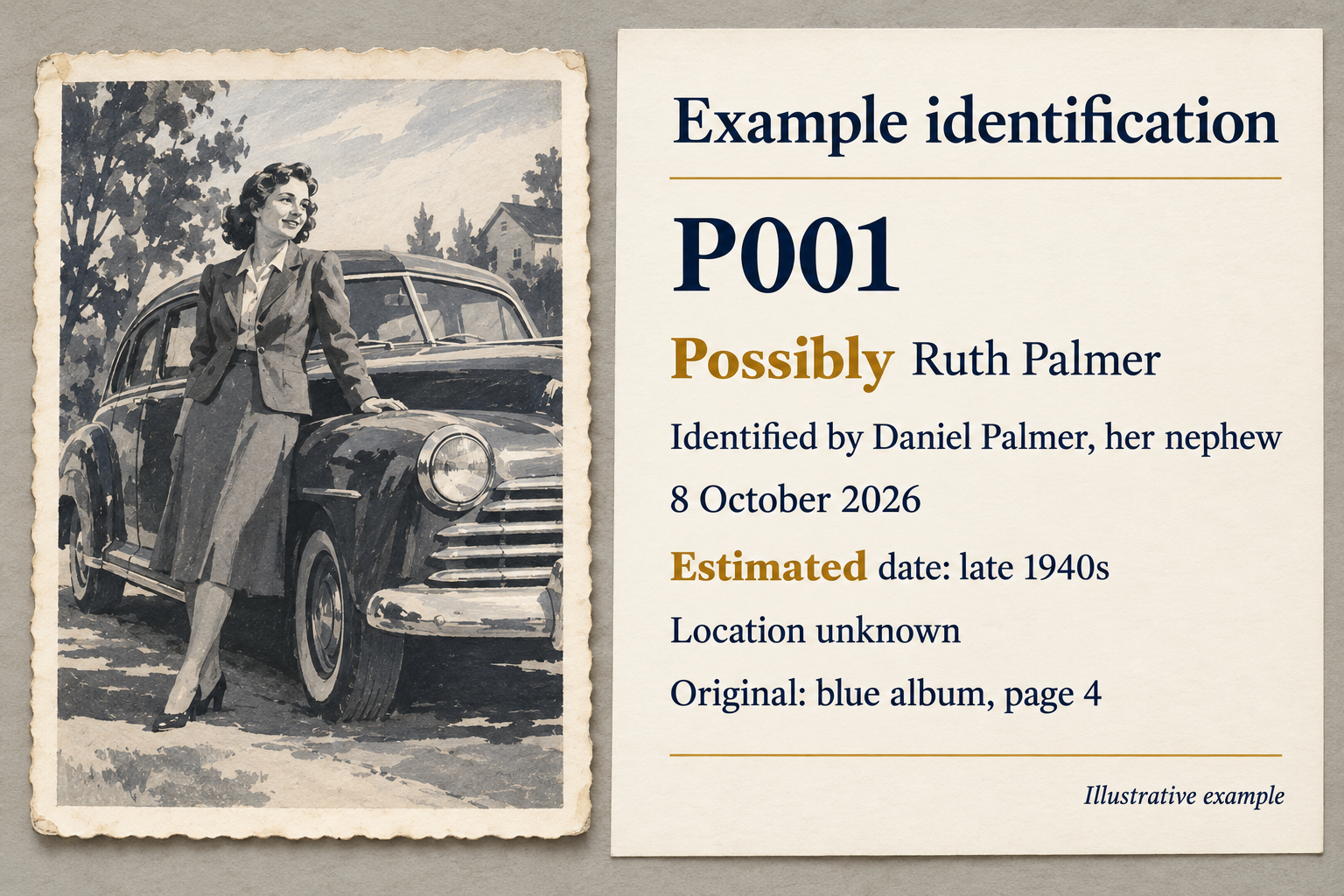
That note gives a future researcher something to work with, including a way back to the original. If another photograph later settles the identity, add the evidence and the date of the correction. Keep the earlier account distinguishable. There is no prize for filling every blank today.
Give the words a safe home
For prints, the place to begin is the enclosure. The National Archives recommends identifying photographs on their storage enclosures whenever possible. Write on a suitable paper enclosure before putting the photograph inside. Avoid sticky notes or adhesive labels on the photograph itself. If a note on a paper print is necessary, its guidance advises a No. 2 pencil or softer, confined to the reverse edge; some surfaces will not accept pencil, so label the enclosure instead.
Prepare a clean, dry work surface, with food and drinks elsewhere. Use clean nitrile or cotton gloves, support the photograph, and hold its edges without touching the image. Leave stuck photographs in their albums. Do not peel them free or force a curled print flat. If handling causes damage, stop and seek a photograph conservator’s advice. Its family-photo guide gives a useful starting point.
When making a digital copy, capture any writing on the back, when safely accessible, as well as the image. For an album, include the whole page and its captions, keeping the sequence. An overhead photograph can record the page; support the album without forcing it flat. Keep the originals afterward; digitization brings its own preservation risks.
Keep the picture and its explanation together
When you are ready to copy the pictures, a modest digital arrangement will do. Put the selected images in one folder and save a plain-text document called “Photo-notes.txt” alongside them. Use matching identifiers: P001-front.jpg and P001-back.jpg belong with the P001 entry. Continue the numbering when you add another batch. Retain the file’s actual extension; changing its name does not convert its format. Add the original’s location to the note so the paper and digital collections can be reunited.
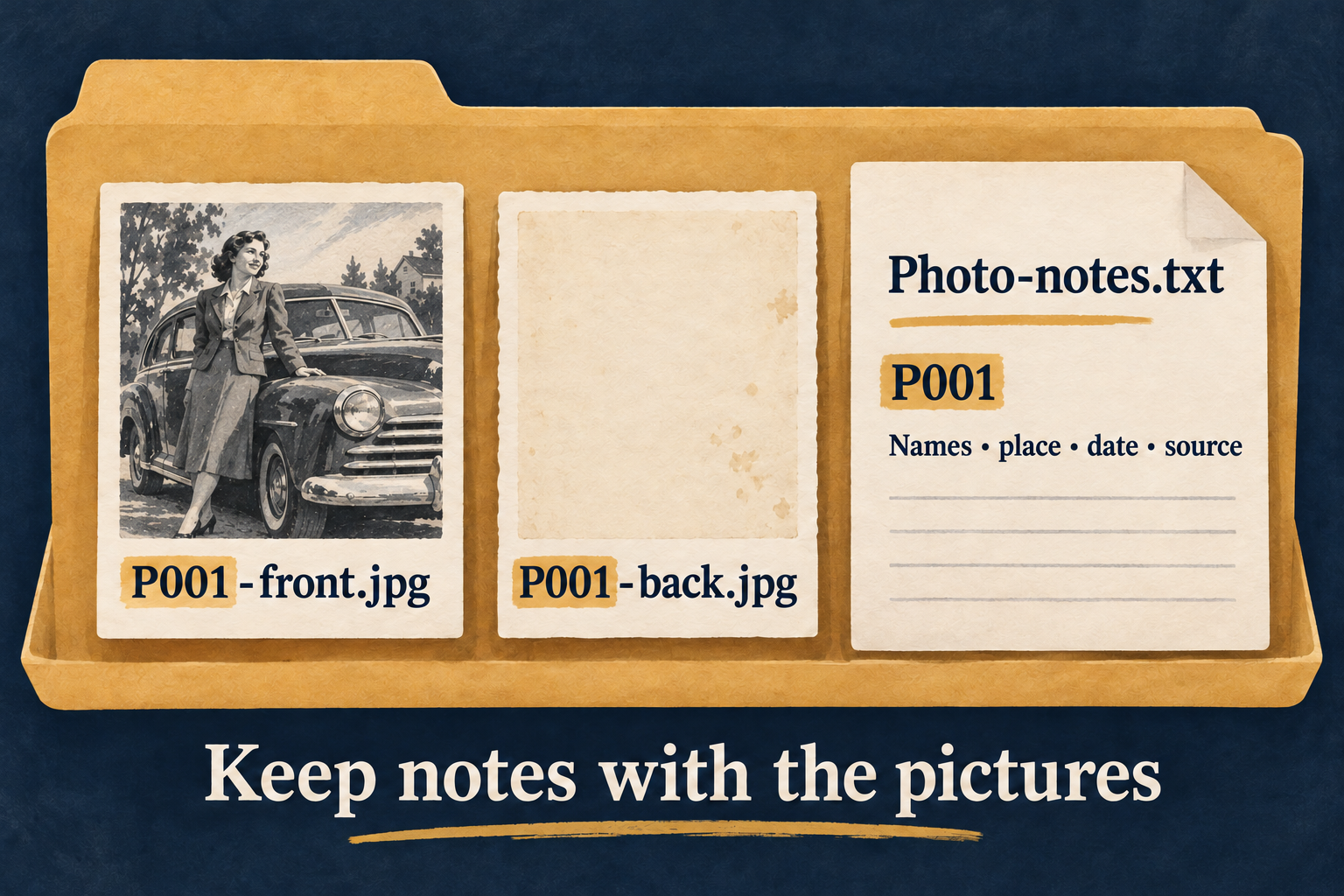
The Library of Congress recommends descriptive filenames and a brief explanation of your folders and photographs. For pictures that began on a phone or camera, the same note can record the people and occasion. Preserve the original image file and make separate copies for cropping or other edits.
If you add captions in a photo app, try exporting one picture and see whether its description can be read outside that app. Keep the separate notes as a fallback. They must travel with the pictures when you copy the folder.
Back up both. The National Archives recommends three copies, on two different storage media, with one copy off-site. The Library of Congress also advises checking your saved photographs at least annually to ensure you can still read them. Open the notes too. A folder’s reassuring name is no evidence that its contents remain usable.
Decide who gets the story
A family conversation can wander into an adoption, illness, estrangement, or an account involving someone who is still alive. Pause before turning that material into a caption for a widely shared album. Ask the person telling the story what may be kept and shared, and consider the privacy of other people it concerns. Permission to record a conversation should not be treated as permission to publish it.
The Oral History Association’s consent guidance makes room for limits on access and use. For a family collection, you might keep a private set of notes and a shorter caption for circulation. Record any agreed restrictions where the next keeper can find them. A filename saying “private” does not control who can open a file; store restricted material separately with appropriate access controls.
Finally, ask a trusted person whether they would be willing to keep a copy of the shareable collection. Show them where the originals are and how the notes match the pictures. Have them open the files while you can still help.
Ten photographs are a manageable stopping point. At the next family visit, you can bring out ten more. For now, the people beside the car have a better chance of arriving in the future with their names.